
Website Not Ranking on Google? How to Fix It in 30 Days (2026 Guide)
First, Which Problem Do You Actually Have?
Three situations look the same from the outside (“I’m not on Google”) but need very different fixes. Open Google Search Console, inspect one affected URL, and match it to this table.
What you see | What it means | Where to start |
|---|---|---|
URL Inspection says the page isn’t on Google | Not indexed | Steps 1 and 2 |
Page is indexed, but impressions are low or you sit on page 3+ | Indexed but not competitive | Steps 3 to 7 |
Page used to get clicks and now doesn’t | Rankings dropped | The “rankings dropped” section below |
Also note whether the problem hits one page, one section or the whole site. A whole-site problem points to a technical cause. A one-page problem usually points to content or intent.
Step 1: Check Whether Google Has Indexed the Page
Indexing means Google has found the page and stored it. A page that isn’t indexed generally can’t appear in normal results at all.
In Search Console, paste the full URL into the URL Inspection bar.
Read the verdict. “URL is on Google” means you can skip to Step 3.
If it isn’t, look at the reason given.
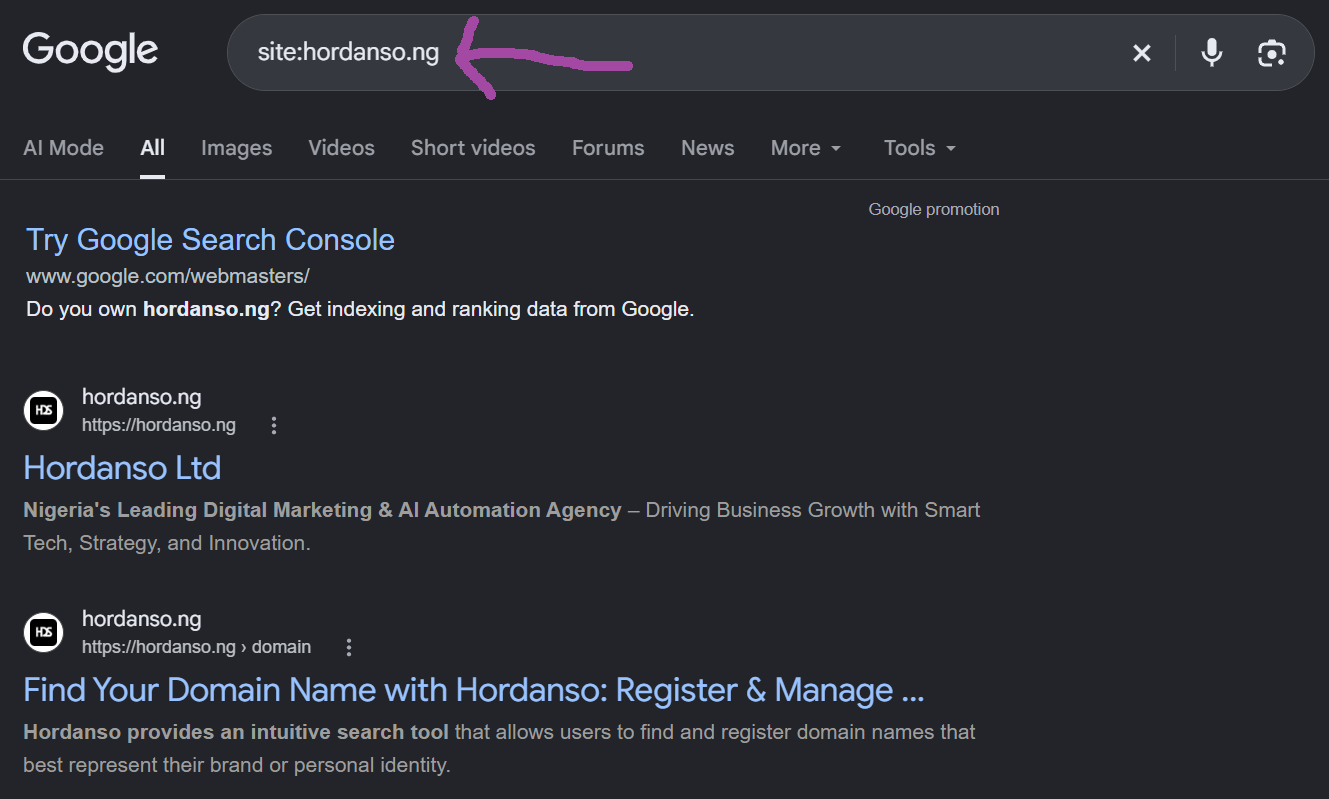
You may also try typing site:yourwebsite.com into Google as a rough check. It’s a hint, not a full inventory of your pages, so rely on Search Console for anything important.
Two statuses confuse people:
Discovered – currently not indexed: Google knows the URL exists but hasn’t crawled it yet.
Crawled – currently not indexed: Google visited the page and chose not to add it, which often points to thin, duplicate or low-value content.
Neither is a penalty. Both are signals to look harder at the page. Once you’ve made a real improvement, use Request indexing. Requesting indexing doesn’t guarantee inclusion, and asking repeatedly won’t speed it up.
Step 2: Remove the Blockers That Keep Google Out
If Google can’t crawl or index a page, nothing else matters. Check these, roughly in order of how often they cause trouble:
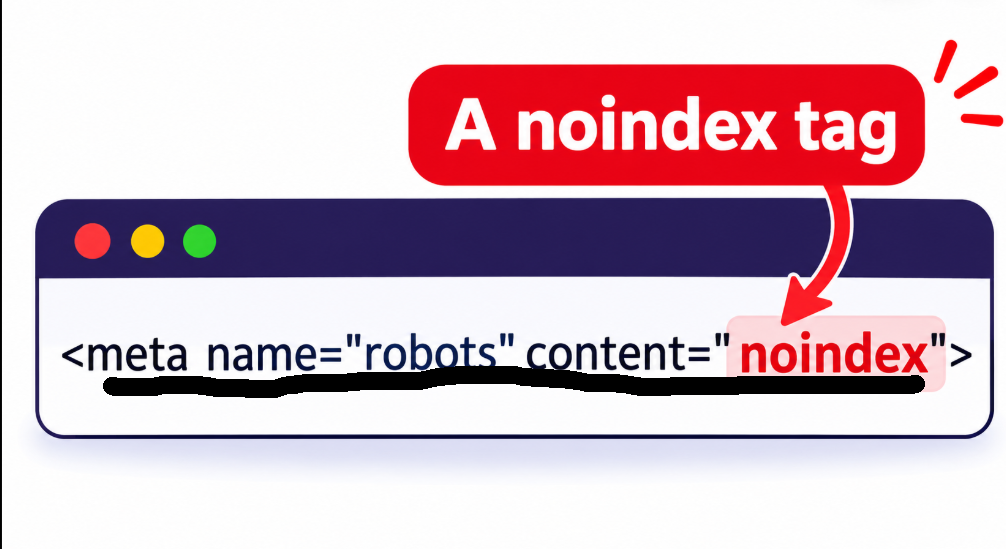
A noindex tag. Often left over from a staging site or a launch. Check the page’s robots meta tag and the HTTP header.
robots.txt rules. One overly broad “Disallow” can block an entire folder. Test the exact URL in Search Console.
Wrong canonical tag. If the canonical points to a different page, Google may ignore yours.
Server errors and redirect loops. Repeated 5xx errors or endless redirects stop Google from reading the page.
Missing or messy sitemap. A sitemap helps discovery but doesn’t boost rankings. Keep it limited to live, indexable pages.
Content hidden behind JavaScript. If key text or links only appear after a click, Google may not see them.
If your site runs on slow or unstable hosting, server errors may be the root cause. A reliable web hosting setup removes a whole category of crawl problems.
Not sure what any of this means? That’s normal, and it’s exactly what a technical review covers. Our on-page, off-page and technical SEO guide explains each area in plain language.
Step 3: Match the Page to the Search Intent
A well-written page can still fail because it’s the wrong type of page.
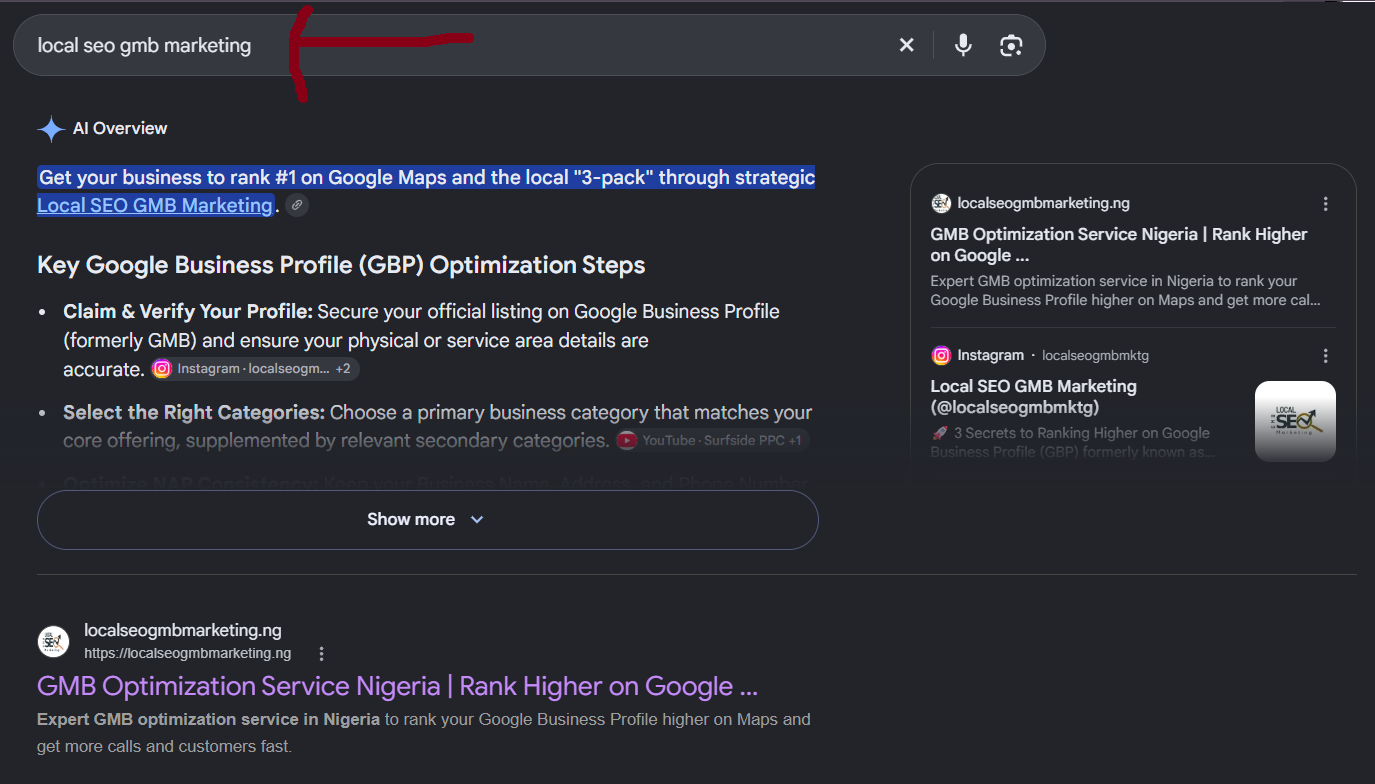
Search your target phrase in Google and study the top three to five results. Are they how-to guides, service pages, comparison lists or local listings? That’s what Google believes searchers want.
For example, someone searching “what is SEO” wants an explanation. Someone searching “SEO company in Lagos” wants a provider. If you point a blog post at the second search, you’ll struggle. If you’re choosing between providers, our guide to choosing an SEO company in Lagos shows what a service-intent page looks like.
If your page doesn’t match, you have two choices: rewrite it to fit the intent, or create the right page and let the old one serve a different purpose.
Step 4: Make Sure the Right Page Exists
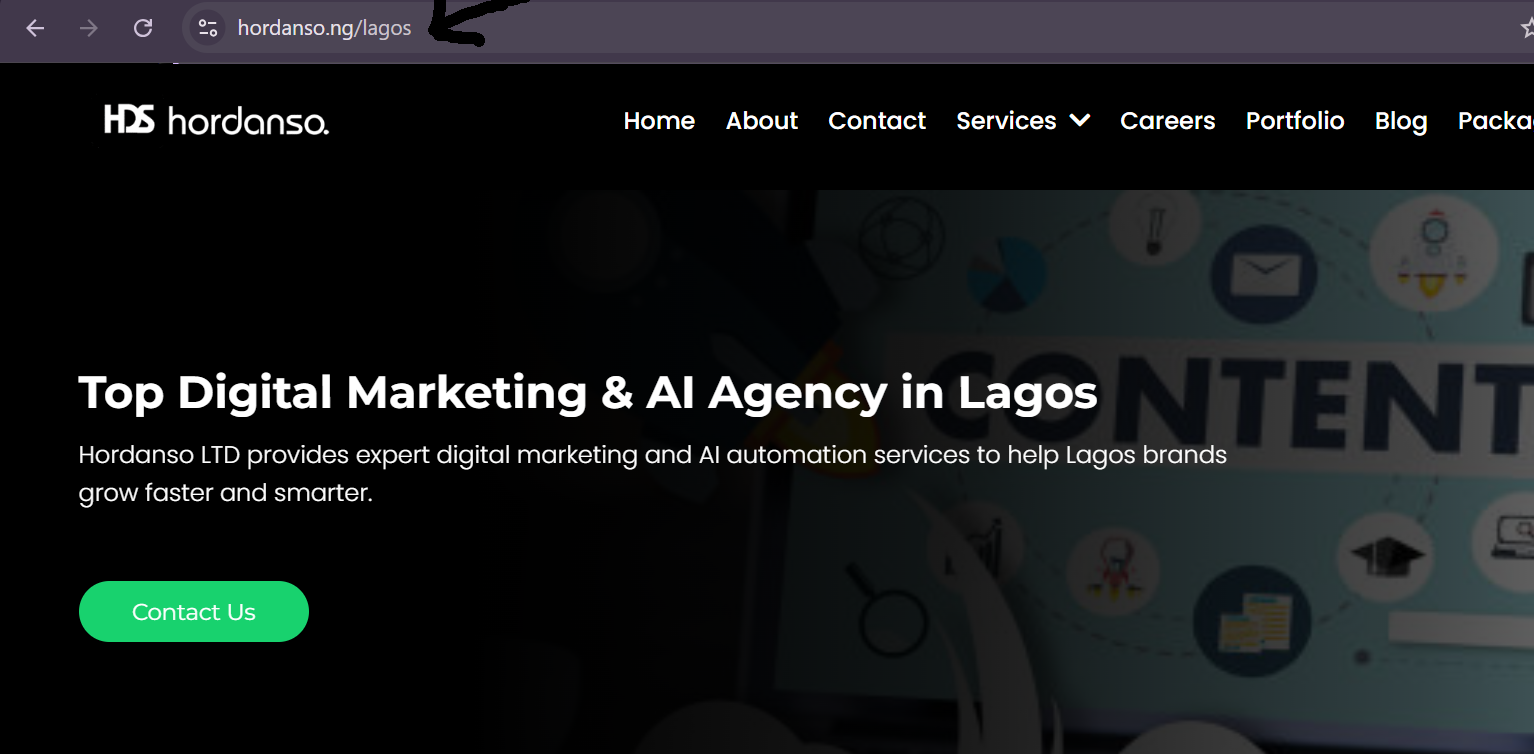
Sometimes the page you need simply isn’t there. A single “Services” page listing five services can’t compete with five focused pages that each explain one.
The same goes for location. If you serve customers in Lagos, Abuja or Port Harcourt, say so clearly, with a page that shows you operate there. Hordanso, for instance, maintains dedicated pages such as SEO and digital marketing in Lagos for exactly this reason.
Before you tweak a page for the tenth time, ask: is this actually the page that should answer this search?
Step 5: Make the Content Genuinely Useful
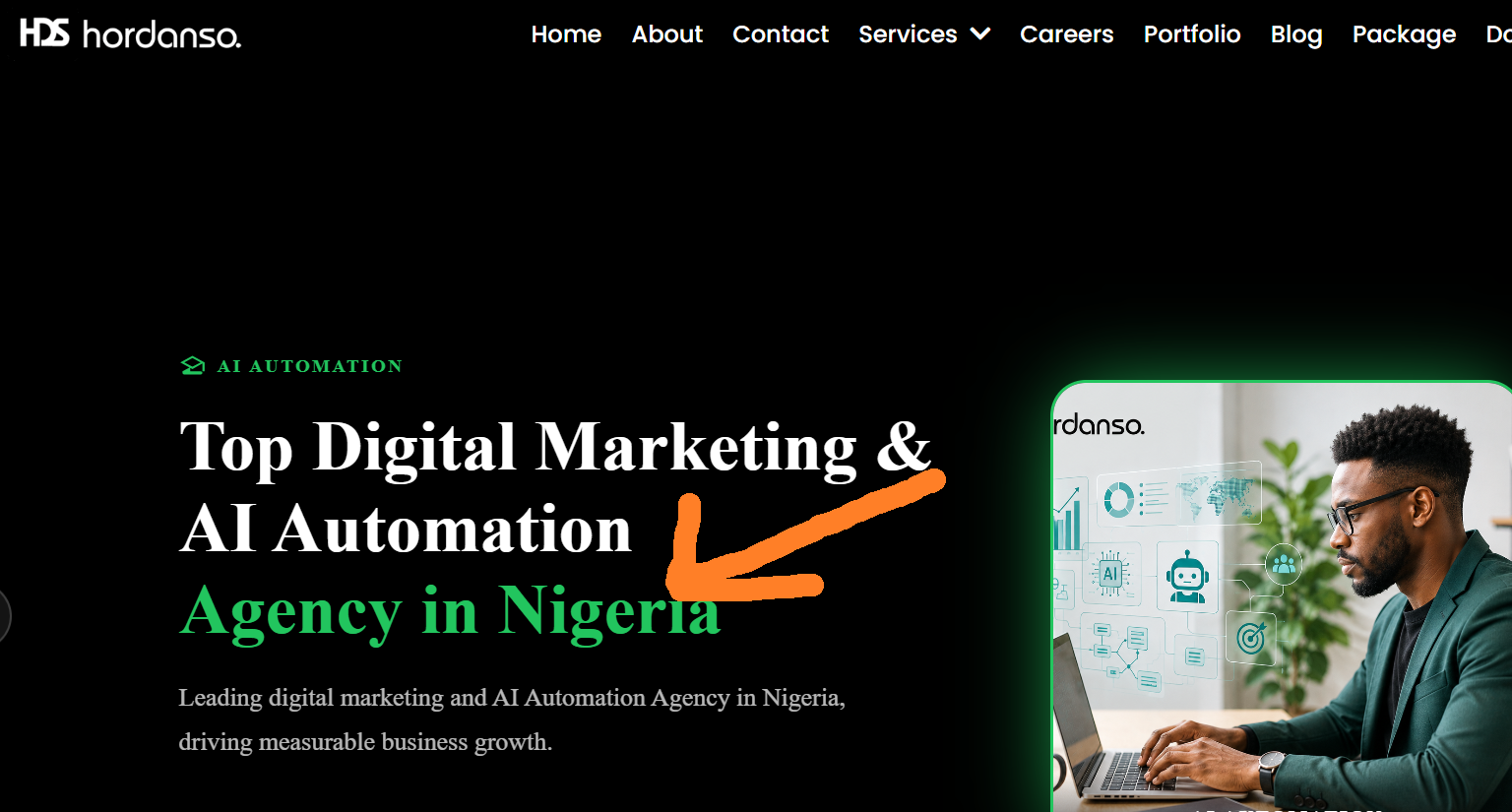
Google’s guidance for site owners is built around helpful, people-first content. In practice, that means a page should do more than repeat the keyword. Check whether yours answers the visitor’s next three questions:
What exactly do you offer, and who is it for?
Where do you operate, and how does the process work?
Why should I trust you, and what do I do next?
Then add what generic pages lack: real examples, screenshots, local context, pricing factors, a short process, customer proof. If a competitor could copy your page and swap the logo, it isn’t strong enough yet.
While you’re there, fix the basics: a clear title that says what the page is, one H1, logical subheadings, and a meta description written for humans. [Add a screenshot or short client example from your own work here. Original evidence is the fastest way to stand out from generic advice.]
Step 6: Fix Your Internal Links
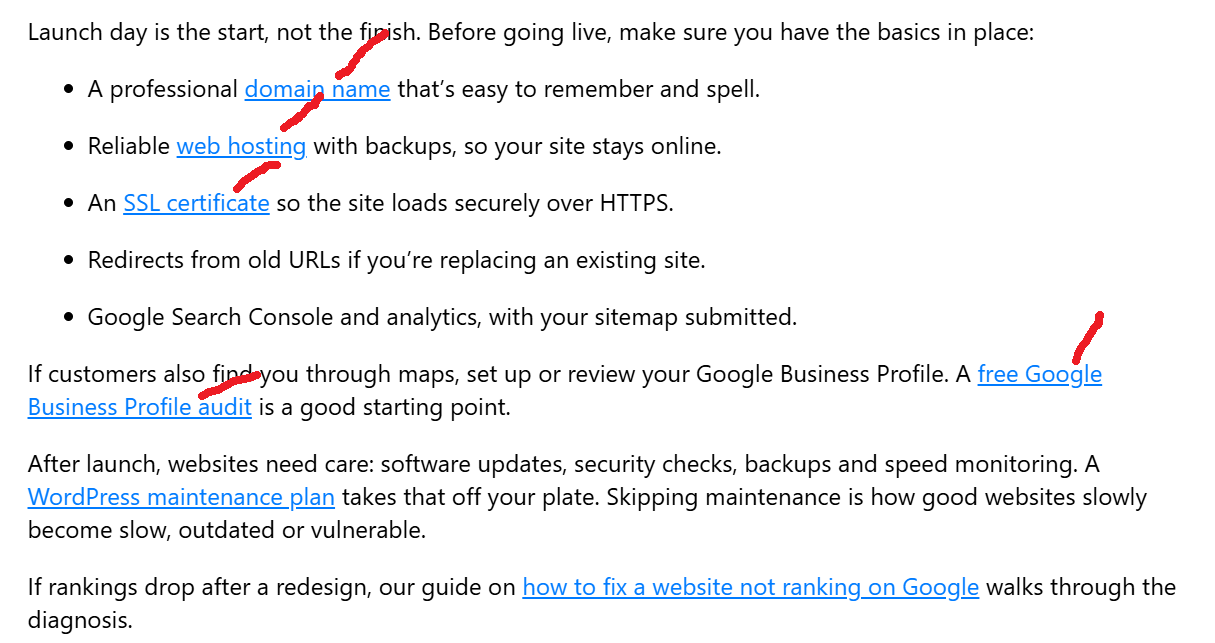
Internal links tell Google which pages matter and how topics connect. Many business websites have valuable service pages that no blog post ever links to.
Link from relevant articles to the matching service page, using descriptive anchor text (“technical SEO audit”, not “click here”).
Make sure every important page is linked from at least one other page.
Use normal HTML links, not buttons that only work with scripts.
For instance, if a post discusses search visibility, it should point to your SEO services. If it discusses lead generation, it should connect to the bigger picture in our digital growth stack guide.
Step 7: Check for Keyword Cannibalization
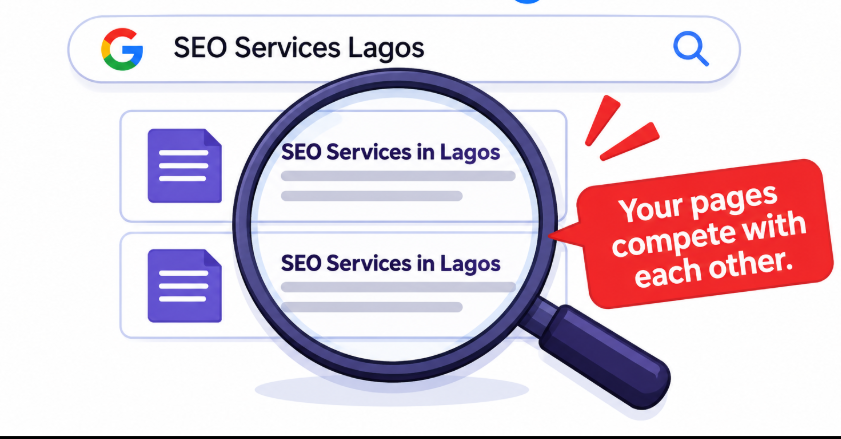
Cannibalization is when several of your pages compete for the same search without a clear purpose. It isn’t a Google penalty. It’s an editorial problem that can leave Google unsure which page to rank.
To check, export your queries and pages from Search Console. If one query shows several of your URLs swapping places, compare them:
Different intent? Keep both, and make the difference obvious in titles and headings.
Same intent, overlapping content? Merge them into one stronger page and redirect the weaker URL.
Same topic, different stage? Link the guide to the service page so each has a clear job.
Don’t merge reflexively. Two pages ranking for one query is sometimes perfectly healthy.
Step 8: Fix Mobile Experience and Speed

Most Nigerian searches happen on phones, often on mobile data, so a heavy page loses people fast. Test your key pages on a real phone and check the Core Web Vitals report in Search Console. Google’s “good” targets are loading the main content within 2.5 seconds, responding to taps within 200 milliseconds, and keeping layout shift under 0.1.
Usual culprits are oversized images, too many plugins, cheap hosting and third-party scripts. Compressing images and trimming plugins often helps more than a redesign. A managed WordPress maintenance and audit service can keep updates, security and speed under control.
Speed alone won’t rank a weak page, but a slow one makes every other fix less effective.
Step 9: Strengthen Your Local Presence
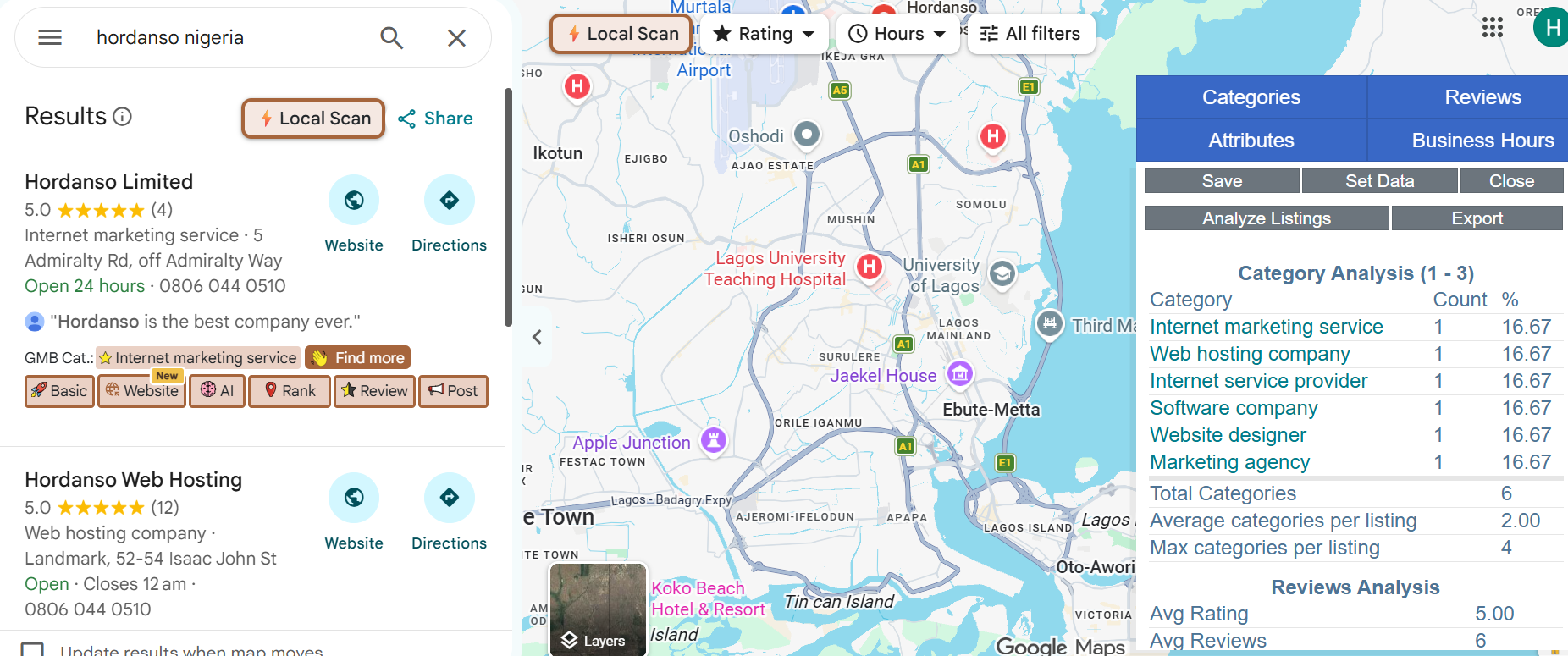
If customers find you through “near me” or city searches, your website is only half the picture. Complete your Google Business Profile, keep your name, address and phone number consistent, choose accurate categories, and collect genuine reviews.
Not sure where your profile stands? A free Google Business Profile audit shows what’s holding it back, and our local SEO in Lagos page explains how local ranking differs from standard website SEO.
Step 10: Build Authority the Honest Way
Links and mentions from reputable sites help Google trust your business. Think relevant directories, industry associations, partners, local media and useful resources other sites genuinely want to reference.
Skip bulk link packages and “guaranteed” link schemes. They can violate Google’s spam policies and cause more harm than good. A handful of relevant mentions beats hundreds of random ones.
Did You Redesign or Move Your Website Recently?
If rankings fell after a redesign, a new domain, new URLs or a platform change, suspect the migration before you suspect Google. Look for old URLs removed without redirects, changed internal links, deleted content, a leftover noindex tag, or a missing HTTPS setup. Our web design process guide explains how a launch should be handled so rankings are protected.
What If Your Rankings Dropped Instead of Never Appearing?
Don’t rewrite everything. Answer these first:
When did the drop start?
Did it hit the whole site or specific pages?
Which queries lost visibility?
Did you change anything around that date?
Did a competitor move above you, or was there a known Google update?
Compare equivalent periods in Search Console, filter by page and query, and check the Manual actions report before assuming a penalty. A drop in clicks with stable impressions is a different problem from a collapse in both.
Your 30-Day Fix Plan
Week 1: Find the evidence. Export three months of Search Console data. List your important pages, their indexing status and their top queries. Note any recent site changes.
Week 2: Remove blockers. Fix noindex, robots.txt, canonical, redirect and server problems on priority pages. Request indexing after real fixes.
Week 3: Improve pages with potential. Find pages with impressions but weak rankings or low click-through. Rewrite for intent, add proof, tighten titles and add internal links.
Week 4: Check and plan. Review fresh data against your change log. Decide what to merge, what to expand and where to build authority next.
Thirty days is a reporting checkpoint, not a promise. Some fixes show within weeks; competitive keywords take longer.
Pages Getting Impressions but No Clicks?
This is a common and encouraging stage: Google is testing your page. To turn impressions into clicks, make the title specific and benefit-led, align your headline with the query, and add a direct answer near the top so searchers can see you solve their exact problem. Expect results to take time to settle.
How to Get Your Content Into Google AI Overviews
Google’s documentation says there’s no special markup or secret optimization for AI Overviews. A page needs to be indexed and eligible to show with a snippet, and the usual SEO fundamentals still apply. That means everything above is your AI Overviews strategy too.
What you can do is make your content easy to quote:
Put a short, direct answer under each question-style heading.
Use clear lists and tables for steps and comparisons.
Show real expertise, named authors and original examples.
Keep facts accurate and updated.
No one can guarantee a place in AI Overviews, so be wary of anyone who does. For more on how search is changing, read our post on Google multimodal search in Nigeria, and our comparison of SEO vs Google Ads in Nigeria if you need leads while SEO builds.
Do You Need an SEO Audit?
If you’ve worked through these steps and still can’t see what’s wrong, an audit saves guesswork. A good one lists the affected URLs, the evidence, what to fix first and how to confirm it worked, not just an automated score.
Hordanso’s SEO team can review your indexing, content, technical setup and local presence, then give you a prioritized plan tied to leads, not just rankings. Talk to Hordanso about your SEO goals.
Frequently Asked Questions
How do I fix a website that isn’t ranking on Google?
Check indexing in Search Console, remove crawl blockers, match your page to search intent, improve the content and internal links, then build authority. Work in that order, because fixing later steps first usually wastes time.
How do I know if my website has a Google penalty?
Check the Manual actions report in Search Console. If it’s empty, a ranking drop is more likely caused by competition, technical changes, content issues or a core update than a penalty.
How can I get Google to index a new page faster?
Link to it from relevant pages, include it in your sitemap, make sure nothing blocks it, then use Request indexing in URL Inspection. This helps discovery, but it doesn’t guarantee indexing or rankings.
Why does my page get impressions but no clicks?
Usually the page ranks too low to be seen, the title doesn’t match what searchers want, or a search feature answers the question first. Improve the title, add a direct answer and strengthen the page.
Can slow mobile data affect my rankings in Nigeria?
Page experience matters mainly because it affects visitors. Heavy pages frustrate people on mobile data, so they leave. Lighter images and fewer scripts help users, and a good experience supports your SEO efforts.
Do I need backlinks to rank?
Not always. Low-competition searches can rank without many links. For competitive terms, relevant links from reputable sites help, but they can’t fix indexing or content problems.
Ready to find out what’s holding your website back? Contact Hordanso for an SEO review and a clear next step.